How to Build Your ParkSwiz Trip Profile Step-by-Step
It's 11pm. The kids are asleep. You've got fourteen browser tabs open, a half-finished spreadsheet, and a growing fear that you'll still get it wrong. Planning a Walt Disney World trip has quietly become a second job.
ParkSwiz starts somewhere different: with you. Before you look at a single ride or restaurant, you build a Trip Profile — who's coming, when, what they care about, and what would make or break the trip. Everything after that is shaped around it. Ask a question and the answer fits your party, not a generic tourist. This guide walks through building that profile, then shows what it unlocks.
What a Trip Profile is (and why it comes first)
A Trip Profile is the foundation of everything ParkSwiz does for you. It's a single, reusable picture of your trip: your dates, your party, your parks, your hotel, your priorities, and any accessibility needs. Swiz — the ParkSwiz concierge — reads that profile on every question you ask, so a "45-minute wait" means one thing with teenagers and something else with a four-year-old fading at 2pm. Build it once, and it works for the whole trip.
It takes about a minute. Here's how.
Step OneCreate your account
Head to the ParkSwiz signup page. You can sign up three ways: enter your email and get a one-tap magic link, continue with Google, or set a password if you'd rather. There's no invite code to hunt down and no credit card — a Trip Profile is free, and you'll be in within about 60 seconds. If you sign up by email, click the confirmation link to verify your address.
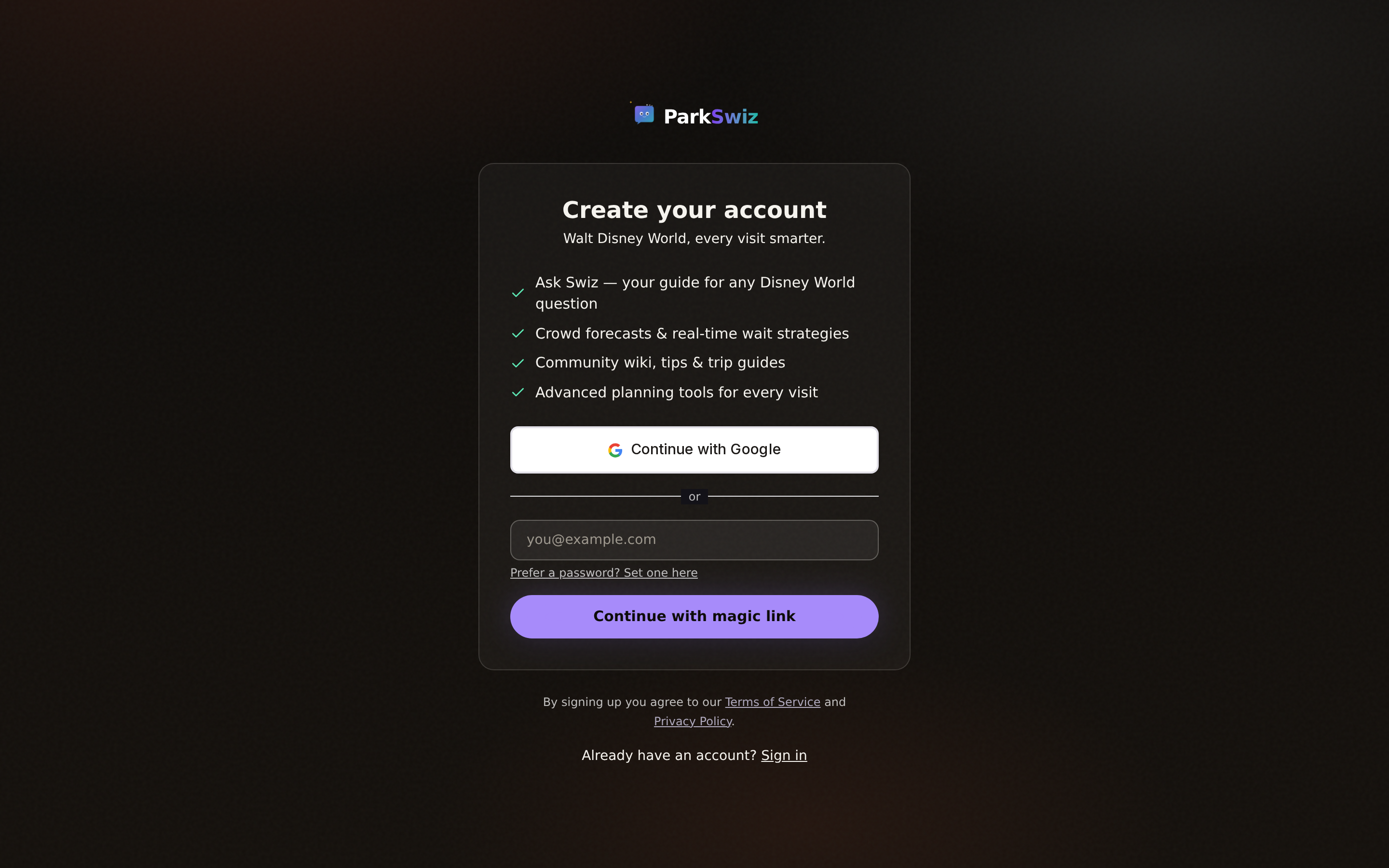
The signup screen — magic link, Google, or an optional password.
Step TwoMeet Swiz
The first thing you'll do inside ParkSwiz is have a short conversation with Swiz. Instead of staring at a blank form, Swiz asks about your trip the way a knowledgeable friend would — and turns your answers into the first draft of your Trip Profile. Tell it what you know; you can fill in the rest later.
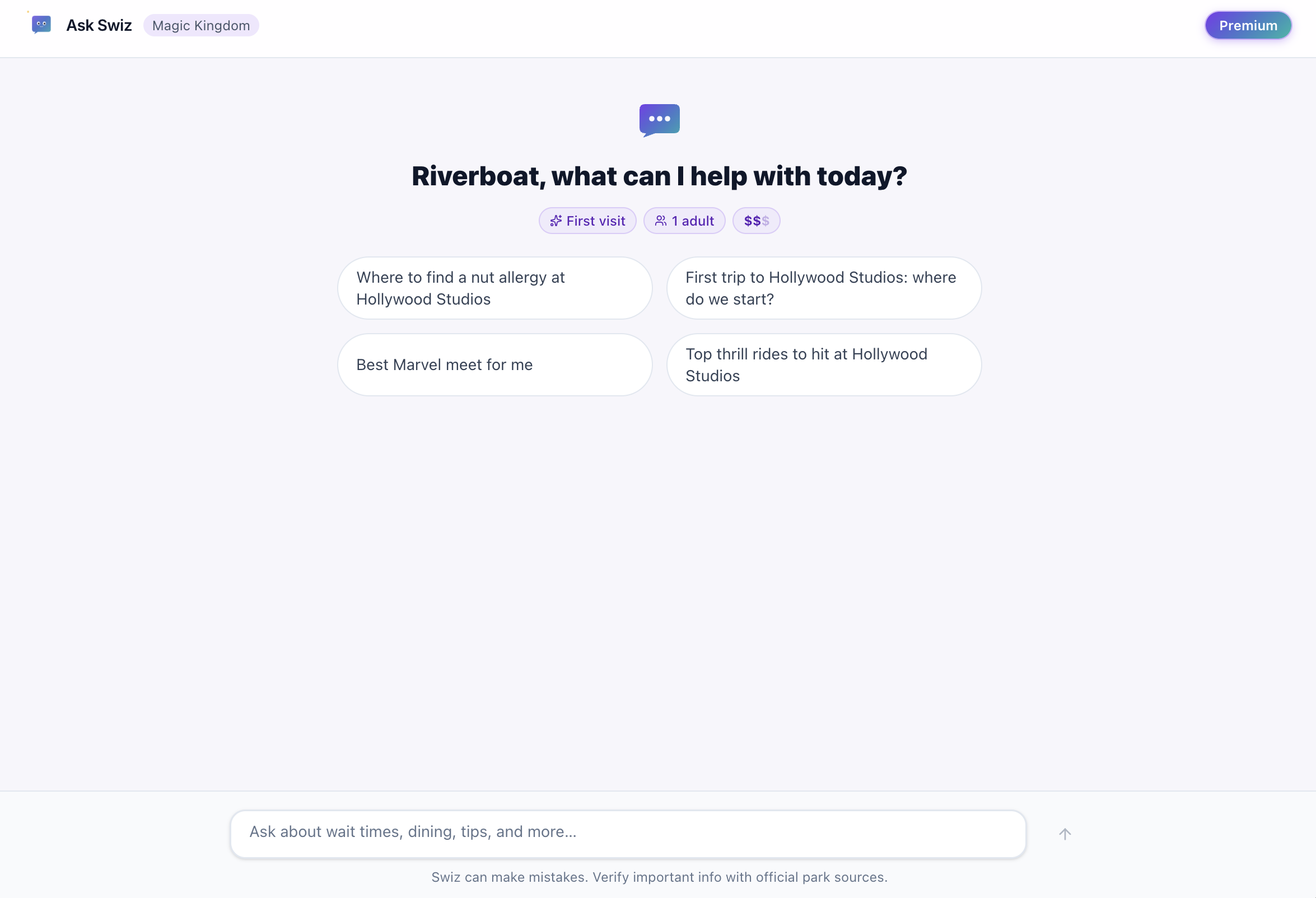
The onboarding chat — Swiz interviews you to build your profile.
Step ThreeFill in your trip parameters
Open the Trip Planner to round out the details:
- Dates — your arrival and departure. Not locked in yet? You can mark your dates as flexible.
- Party — how many adults, seniors, and the ages of any kids. Ages matter: they drive height-requirement guidance and pacing advice.
- Parks — which of the four Walt Disney World parks you're planning to visit: Magic Kingdom, EPCOT, Hollywood Studios, Animal Kingdom.
- Where you're staying — your hotel or resort, or the type of stay (value, moderate, deluxe, Good Neighbor, off-site). This shapes transportation and rope-drop advice.
- Budget tier — value, moderate, or deluxe. Swiz uses it to keep recommendations realistic.
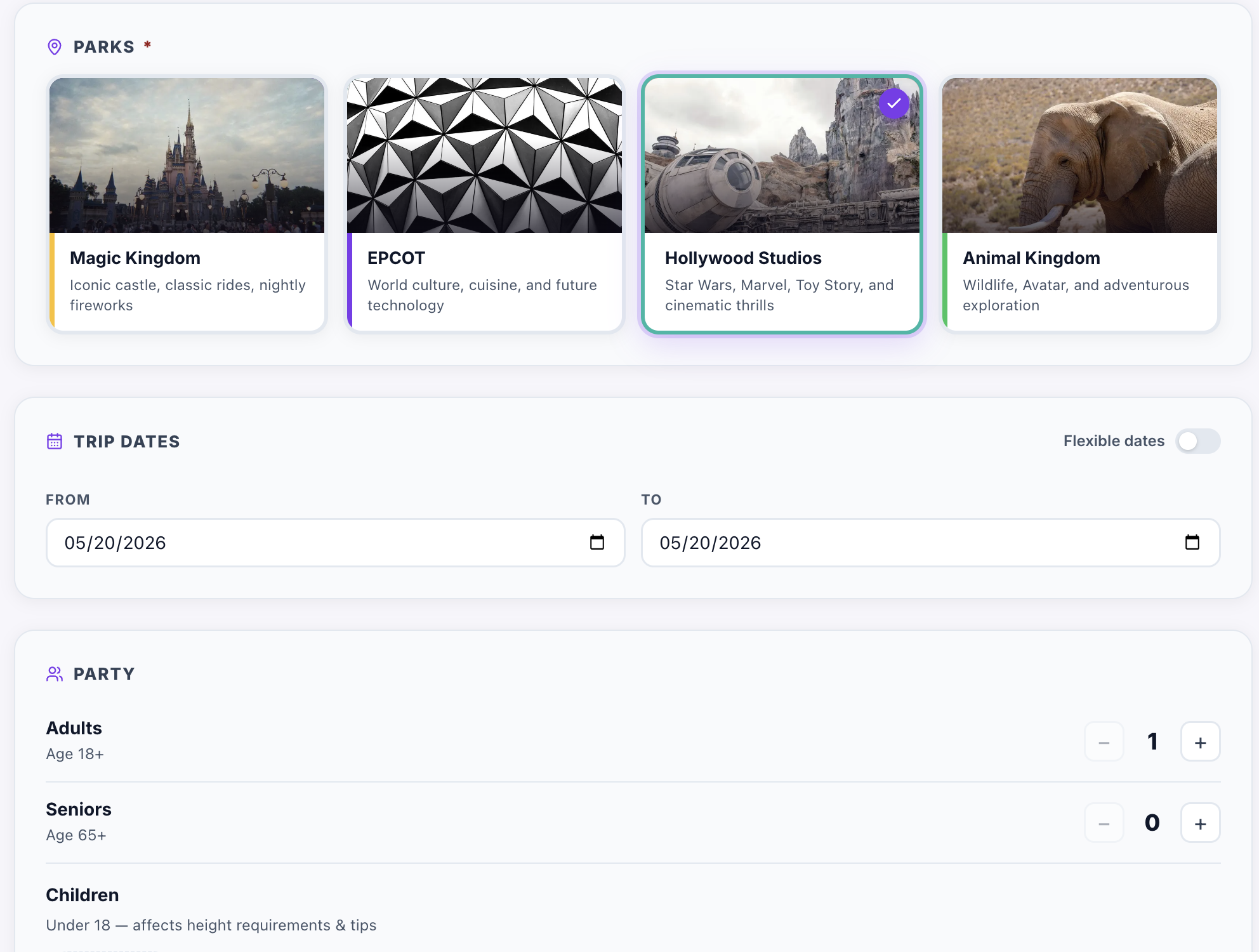
The Trip Planner — dates, party composition, parks, and budget tier in one place.
Step FourAdd your party's preferences
This is where a profile goes from "a family of four in March" to your family in March. In the Planner you can capture:
- Favorite characters — so Swiz knows the six-year-old will riot without Moana.
- The kinds of experiences your group likes — big coasters, gentle dark rides, shows, character meals, air-conditioned breaks.
- Dietary restrictions and food allergies — so dining suggestions actually work for your table.
- Must-dos — attractions or experiences the group absolutely cannot miss.
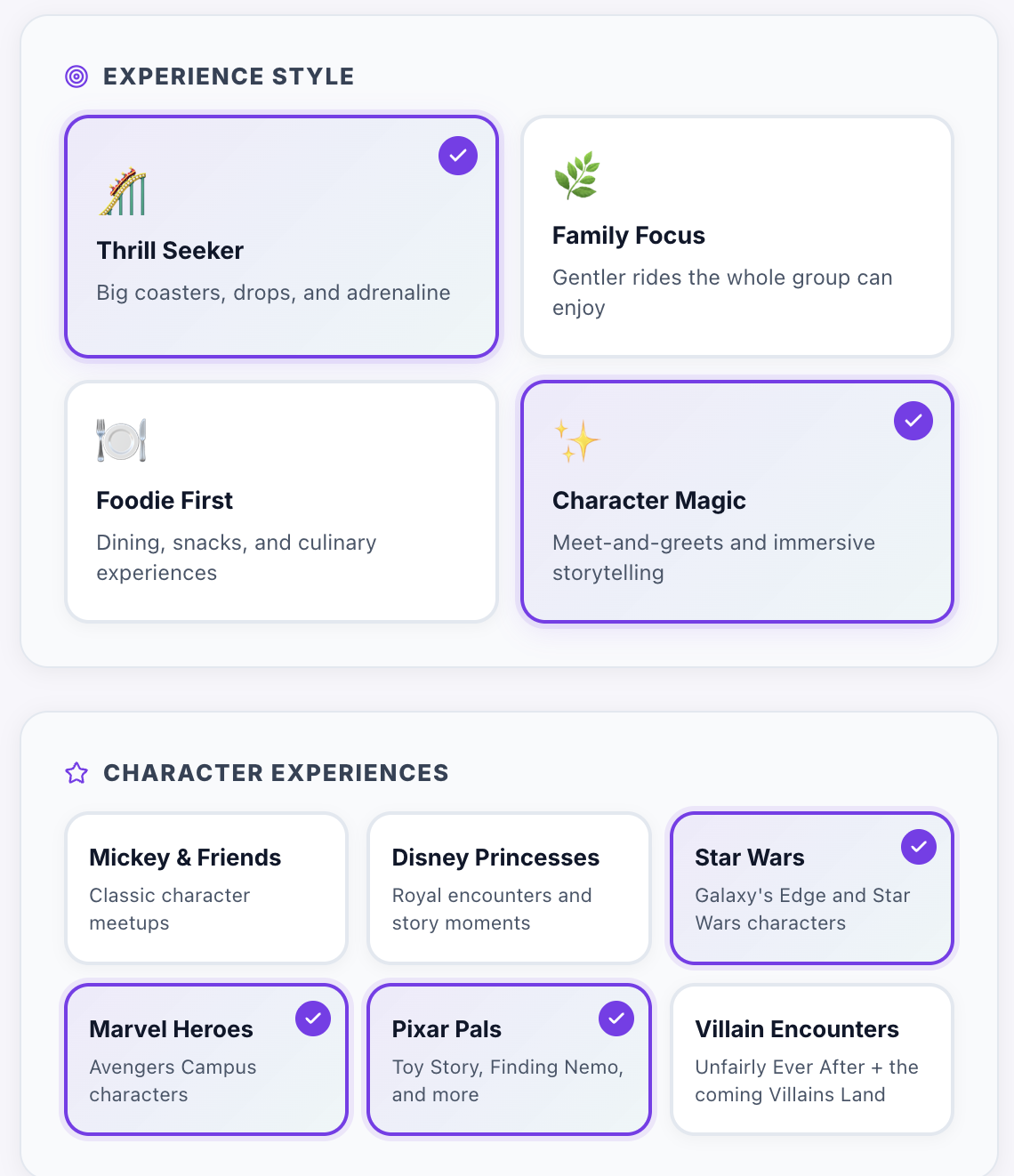
You don't have to get everything perfect. The more you tell ParkSwiz, the more specific the help — but you can refine your profile anytime, and it's smart to revisit it as plans firm up.
Step FiveSet your accessibility needs
If anyone in your party has accessibility needs, set them in your profile so Swiz factors them into every answer — wheelchair and ECV routing, ride transfer requirements, sensory considerations, and more. ParkSwiz's accessibility guides are always free, with no limits, covering the Disability Access Service (DAS), mobility, sensory planning, and allergy-friendly dining. ParkSwiz doesn't register you for DAS — that's done through Disney — but it makes sure you walk in knowing exactly how it works.
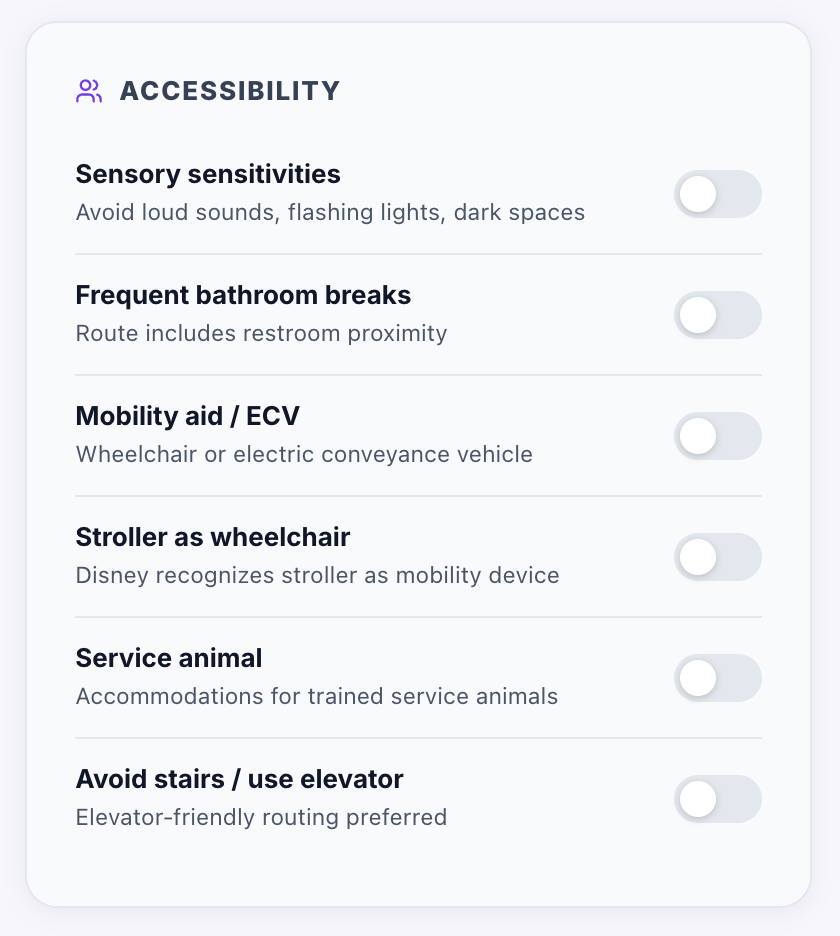
Accessibility needs become part of your profile — and shape every answer Swiz gives.
That's the profile. Now here's what it unlocks.
What you can do once your profile is built
With a complete Trip Profile, ParkSwiz tailors every tool and answer to your party. Here's what's available:
- Ask Swiz anything — Get personalized answers to planning questions, from wait-time strategy to dining recommendations, all shaped by your Trip Profile.
- Research without rabbit holes — Browse attractions, dining guides, and 149+ planning articles filtered through your profile.
- Check Live Wait Times — See real-time wait times across all four parks, grouped by land and refreshed continuously.
- Rate your Lightning Lane plan — Score your Lightning Lane Multi Pass picks before park day and spot weak links in your strategy.
- Build the day with the Optimizer — Subscribers get a drag-and-drop day-by-day plan anchored around their reservations.
- Earn Stardust — Contribute wiki articles, trip reports, and answers to climb from Day Tripper toward Legend.
What ParkSwiz does — and doesn't — do
ParkSwiz is a planning and knowledge platform, not a booking service. It builds your plan, answers your questions, rates your Lightning Lane strategy, and keeps your whole trip in one profile. Buying tickets, booking Lightning Lane, and making dining reservations still happen through Disney's official channels — ParkSwiz makes sure you walk into all of that knowing exactly what you're doing.
Frequently asked questions
How do I start building my ParkSwiz Trip Profile?
Sign up at the ParkSwiz signup page with your email, Google account, or a password. You'll have a short conversation with Swiz that creates the first draft of your profile, then fill in the rest in the Trip Planner. It takes about a minute and it's free.
What information goes into a Trip Profile?
Your travel dates (or flexible dates), party composition (adults, seniors, kids' ages), which parks you're visiting, where you're staying, your budget tier, your group's ride and character preferences, dietary restrictions and allergies, and any accessibility needs.
Is ParkSwiz free?
Yes, to start. A Trip Profile, the guides, the Wiki, Live Wait Times, Rate My Lightning Lane, and 10 Swiz questions a day are all free — and accessibility guides are free with no limits. Subscriptions unlock unlimited Swiz questions and the day-by-day Optimizer.
Can ParkSwiz book my Lightning Lane or dining reservations?
No. ParkSwiz helps you plan and optimize — it rates your Lightning Lane plan and lets you log reservations you've already made — but tickets, Lightning Lane, and dining reservations are booked through Disney's official channels.
Can I update my Trip Profile after I create it?
Anytime. Plans change — dates firm up, party sizes shift, priorities move. Update your profile in the Trip Planner and every recommendation updates with it.
Does ParkSwiz help with accessibility planning?
Yes. Set your party's accessibility needs in your profile and Swiz factors them into every answer. The accessibility guides — covering DAS, mobility, sensory planning, and allergy-friendly dining — are always free, with no limits.